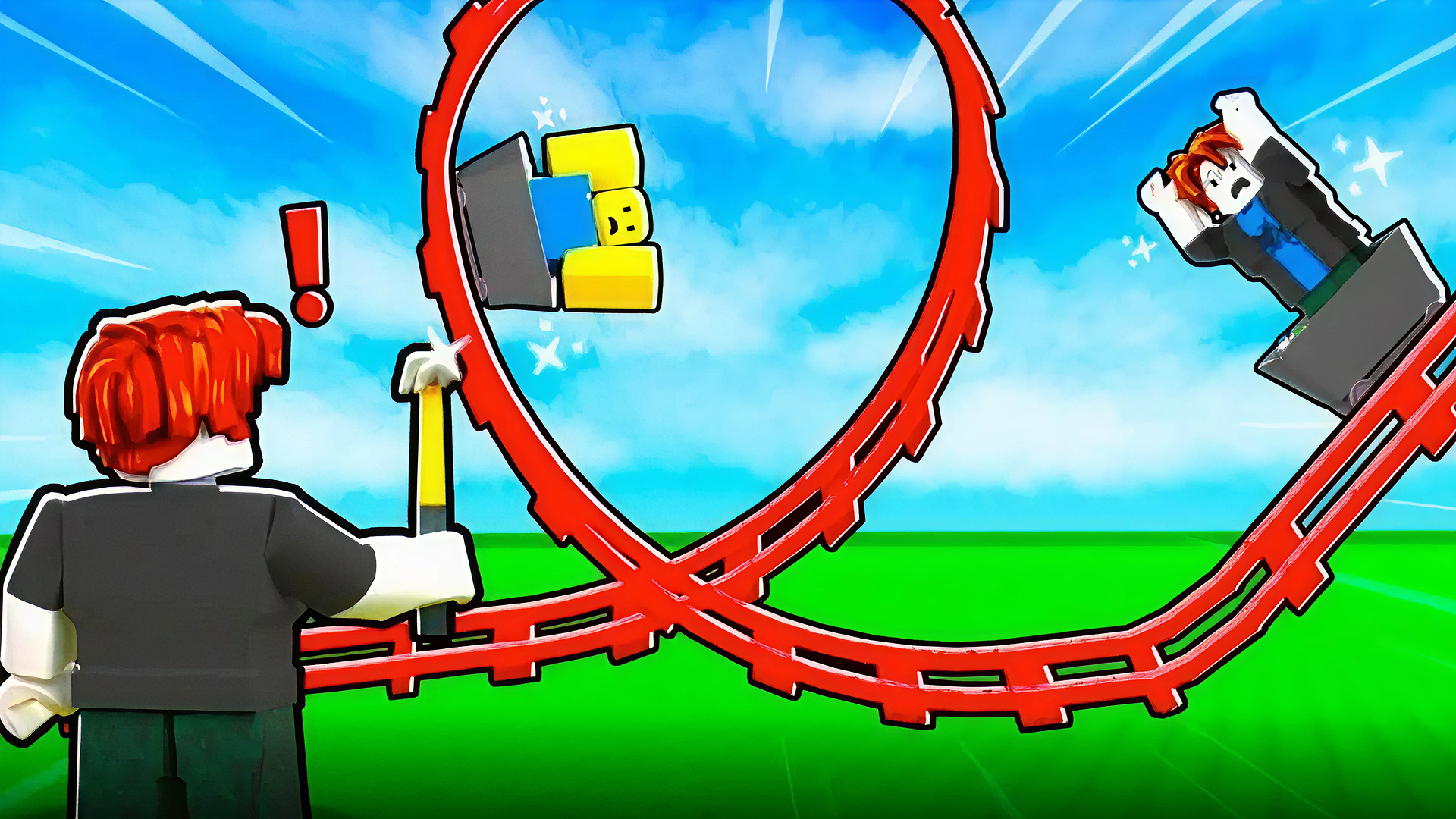
Build a Rollercoaster: Simulator is an exhilarating online game that allows players to design, build, and ride their very own roller coasters. Whether you're a casual gamer or a roller coaster aficionado, this unblocked game on Playgama offers a seamless gaming experience across desktop, tablet, and mobile devices. No downloads or registrations are required, making it easy for you to jump right in and start creating.
Key Features of the Game
- Create Custom Coasters: Use a variety of tracks and designs to craft unique roller coasters.
- Ride Your Creations: Experience the thrill by riding the coaster you've built. Feel the rush as you zoom through your intricate designs.
- Unlock Rare Tracks: Progress through the game to gather rare tracks and elements to enhance your creations
- Earn In-Game Currency: Complete rides to earn virtual currency, allowing you to upgrade your tracks and unlock new features.
- User-Friendly Interface: The game’s intuitive controls make it accessible for players of all ages.
- Multiplayer Mode: Compete or collaborate with friends to create the most fantastic roller coasters.
- Accessible on All Devices: Play anytime and anywhere without interruptions.
Why Players Love Build a Rollercoaster: Simulator
Players love this game because it combines creativity, strategy, and excitement in one package. The freedom to design your roller coasters sparks imagination, while the ability to ride them adds a level of satisfaction that keeps players coming back. The game's accessibility, with no-download, no-registration policy, makes it easy for anyone to play, fostering a community of roller coaster enthusiasts.
How Build a Rollercoaster: Simulator Compares to Similar Games
Compared to other simulation games like *RollerCoaster Tycoon* and *Planet Coaster*, Build a Rollercoaster: Simulator is more casual and accessible. Players can quickly dive into the experience without the steep learning curve that some simulation games have, perfect for those looking for instant fun. Unlike traditional management games, this simulator emphasizes creativity and enjoyment, making it a favorite among younger audiences.
Frequently Asked Questions
What platforms can I play Build a Rollercoaster: Simulator on?
You can enjoy the game on desktop, tablet, and mobile devices.
Do I need to sign up to play?
No, Build a Rollercoaster: Simulator is available for free with no registration required.
Can I save my progress in the game?
Currently, the game does not support saving progress, but each session allows for creative exploration.
Are there multiplayer options?
Yes! You can enjoy the game with friends and even collaborate on designing roller coasters.
Is it suitable for kids?
Absolutely! The game is designed for all ages, making it a great option for family-friendly fun.
Related Entities
- Simulation Games
- Arcade Games
- Creative Games
- Building & Design Games