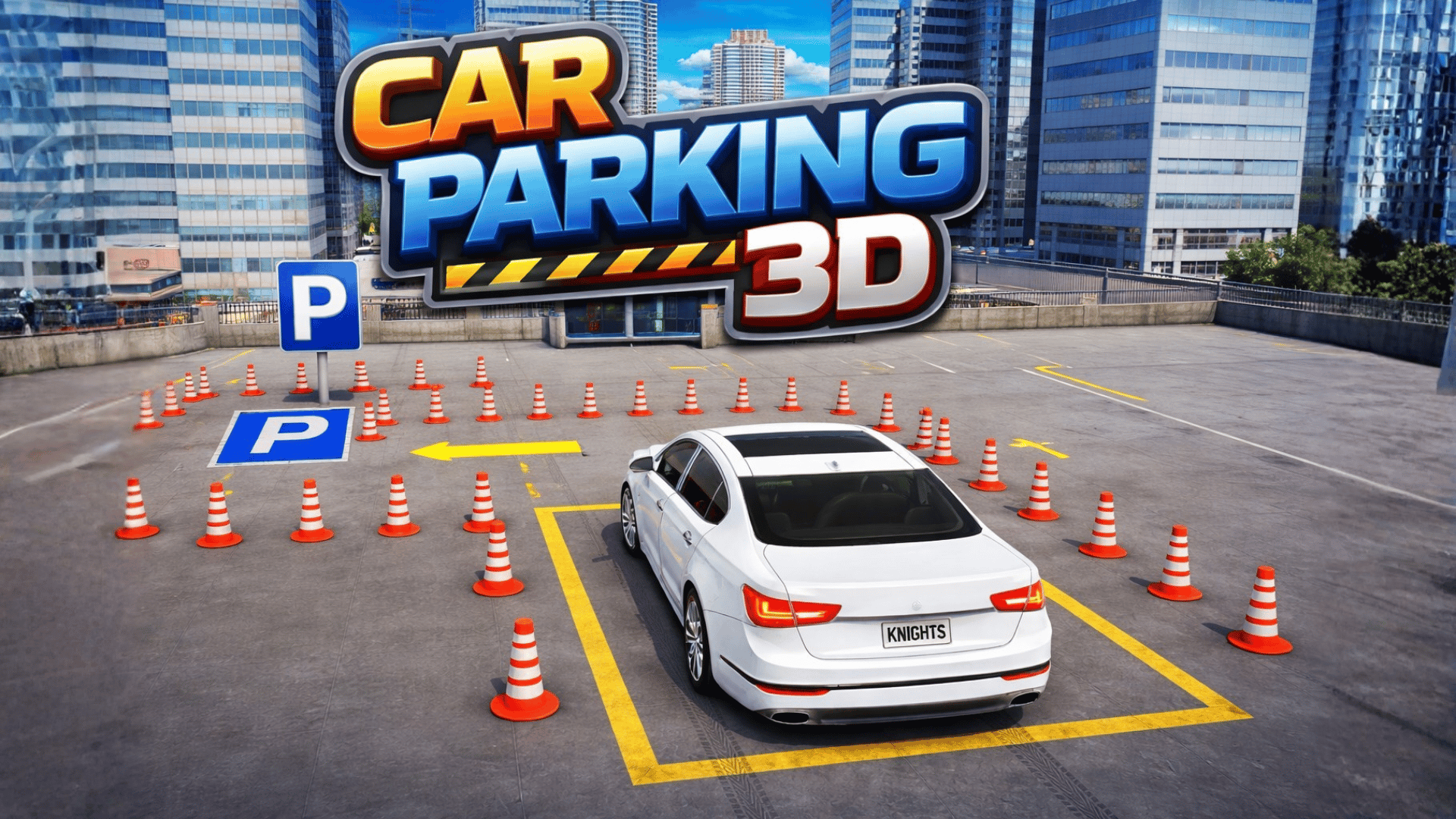
Car Parking 3D is your go-to online game for mastering the art of parking! 🅿️ Whether you're navigating tight corners or facing tricky obstacles, this game offers an exhilarating driving experience that's both fun and challenging. You can enjoy it instantly from your desktop, tablet, or mobile device without any downloads or complicated registrations — just hit play on Playgama!
Key Features of the Game
- Realistic car physics that mimic true driving
- Dozens of challenging parking levels to conquer
- Multiple camera views for enhanced gameplay
- Beautifully detailed 3D environments to explore
- Progressive difficulty that adds to the excitement
- A satisfying and relaxing gameplay experience
Why Players Love Car Parking 3D
Players are consistently drawn to Car Parking 3D for its engaging challenges and the sense of accomplishment that comes with completing each level. The game's gradual increase in difficulty ensures that it remains accessible to casual gamers while still offering hardcore parking enthusiasts a test of their skills. The combination of realistic driving mechanics and intuitive controls keeps players coming back for more, whether they're in the mood for a quick session or a lengthy gaming marathon.
How Car Parking 3D Compares to Similar Games
When comparing Car Parking 3D to other driving simulation titles like Parking Fury and Drift Legends, you'll find it excels in its unique focus on parking accuracy. While many games in the genre emphasize speed and racing, Car Parking 3D hones in on precision driving, making it a refreshing experience.
Frequently Asked Questions
What devices can I play Car Parking 3D on?
You can play Car Parking 3D on desktop, tablet, and mobile devices without needing to download anything.
Is Car Parking 3D free to play?
Yes, Car Parking 3D is completely free to play on Playgama!
Can I play Car Parking 3D offline?
No, Car Parking 3D requires an internet connection to play as it is an online game.
Are there different camera views available?
Yes! The game offers multiple camera views to help you park your car better.
Is there a tutorial for beginners?
While there's no formal tutorial, the game gradually increases complexity, allowing you to learn as you progress.
Related Entities
Related gaming concepts include driving simulations and puzzle games, where players must strategize to complete objectives. Fans of racing games will also find enjoyment in this unique twist on parking challenges.