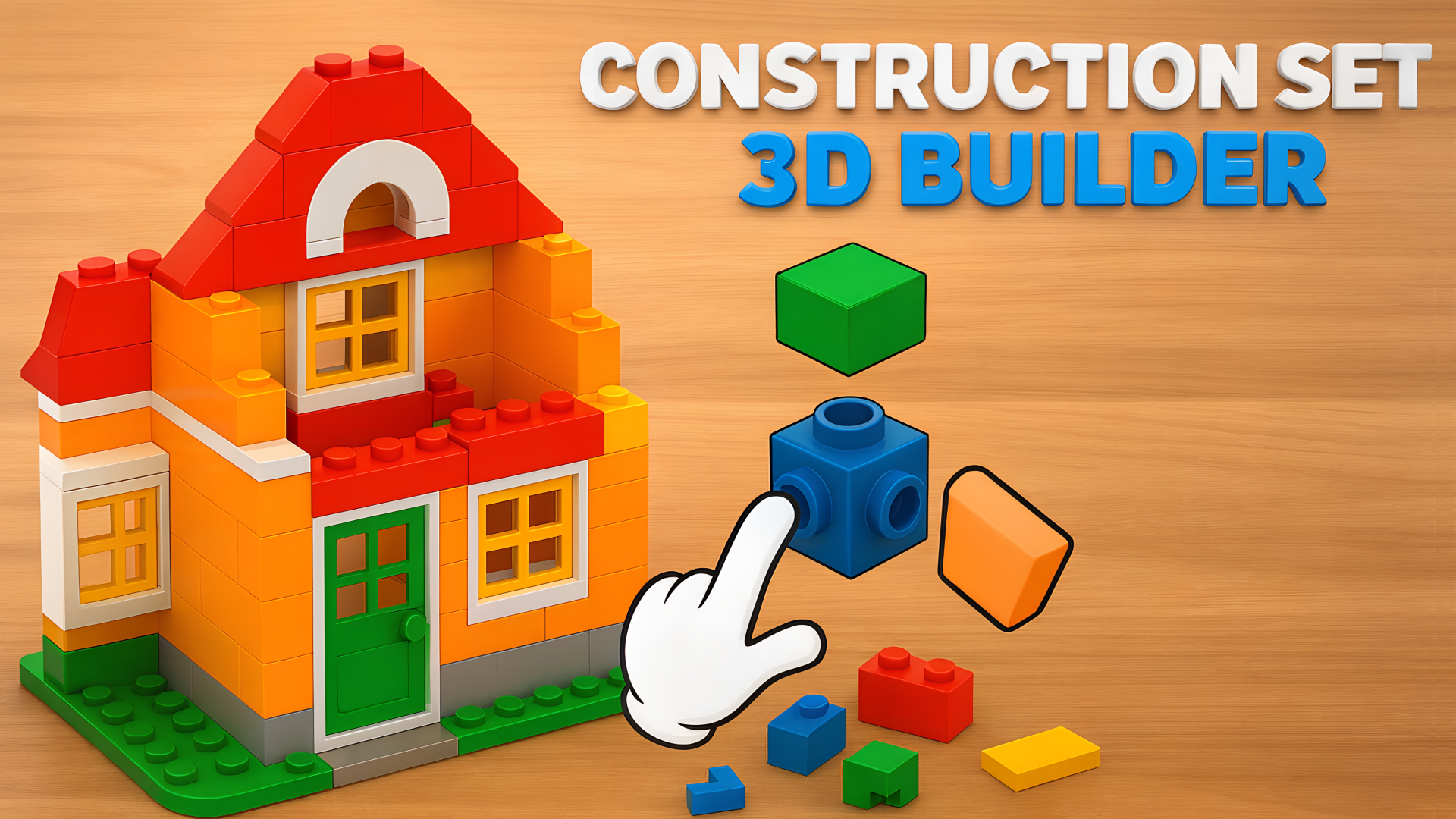
Construction Set - 3D Builder lets you step into the shoes of a master builder, offering you the opportunity to design and construct intricate 3D structures. Whether you're crafting a towering skyscraper or a cozy cabin, you can transform simple building blocks into awe-inspiring architectural masterpieces. The game invites players to unleash their creativity through a puzzle-centric experience that provides both enjoyment and mental stimulation.
Key Features of the Game
- Creative Building Challenges: Dive into various themed environments where each level presents unique building challenges.
- Realistic Physics Engine: Enjoy stable constructions that behave as you'd expect, adding an extra layer of challenge to your designs.
- Relaxing Gameplay: Soothing music and a tranquil environment create the perfect escape from the daily grind.
- Variety of Themes: From bustling urban landscapes to serene countryside settings, experience diverse themes that keep gameplay fresh.
- Intuitive Controls: Easy-to-understand controls allow players of all skill levels to jump in and start building.
- Accessible on All Devices: Enjoy the game on PC, tablet, or mobile without the need for downloads or registrations.
Why Players Love Construction Set - 3D Builder
Players appreciate the game for its creative potential and satisfying gameplay. The ability to construct unique designs brings a sense of achievement and encourages replayability as players experiment with new ideas. With its relaxing vibe combined with engaging puzzles, Construction Set - 3D Builder appeals to casual gamers and aspiring architects alike.
How Construction Set - 3D Builder Compares to Similar Games
Compared to games like Minecraft and SimCity, Construction Set - 3D Builder emphasizes puzzle-solving alongside construction. While Minecraft focuses on survival and exploration, and SimCity centers around city planning, this game merges both elements, making it a delightful alternate for players seeking creativity without the complexities of resource management.
Frequently Asked Questions
What devices can I play Construction Set - 3D Builder on?
You can play on desktop, tablet, and mobile devices through a web browser.
Is there a download required for the game?
No, you can play the game online without downloads or registrations.
Can beginners play this game?
Absolutely! The game features intuitive controls and gradual challenges suitable for players of all skill levels.
Are there different themes to explore?
Yes, there are various themes, from vibrant cities to peaceful nature settings, each with its own building challenges.
How long does a typical game session last?
Gameplay can last anywhere from a few minutes to hours, depending on your building ambitions and pace.
Related Entities
- Puzzle Games
- Building Simulation Games
- Creative Sandbox Games