

























































































Destruction Simulator
4.6AArcade
Loading...
Loading Game...
Destruction Simulator
Arcade4.6
Description
Instructions
Categories
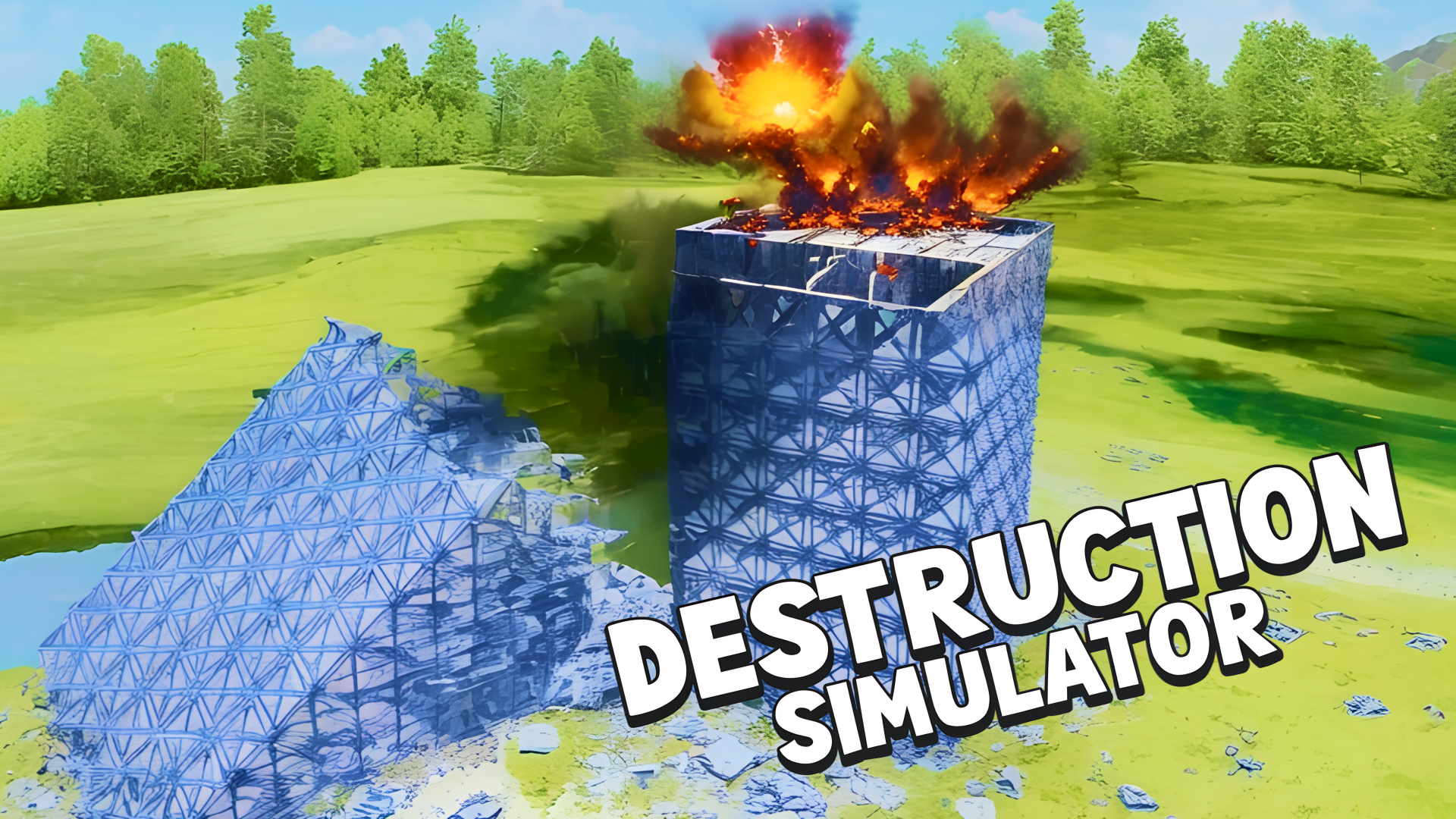
Destruction Simulator is an exhilarating online game that brings your wildest demolition dreams to life. With full control over time and gravity, players can manipulate the environment in ways never seen before. Choose from over 13 different types of explosives, including earthquakes and tornados, to dismantle more than 30 prebuilt maps or create your own with the innovative map editor. Enjoy a seamless gaming experience across all devices—no downloads or registrations needed! Get ready to redefine destruction!
Key Features of the Game
- Time Control: Slow down or speed up the simulation, giving you complete control of your demolition timeline.
- Gravity Manipulation: Play with gravity settings or disable it altogether, allowing for zero-gravity destruction.
- Customizable Gameplay: Adjust visual effects to suit your style, including smoke, explosions, and debris management.
- Diverse Arsenal: Access a wide range of explosives and weapons, letting you choose the perfect tools for massive destruction.
- Map Variety: Engage in destructive gameplay across more than 30 prepared maps or unleash your creativity with the map editor.
- User-Friendly Design: Enjoy a no-registration, hassle-free gaming experience on desktop, tablet, and mobile.
- Fun for Everyone: Perfect for casual gamers and destruction enthusiasts alike, making it a top pick for fun!
Why Players Love Destruction Simulator
Players adore Destruction Simulator for its versatile gameplay and creative freedom. The ability to manipulate time and gravity opens up endless possibilities for chaos, while the array of weapons ensures that each play session feels fresh and exciting. Its no-download feature makes it highly accessible—perfect for quick breaks or long gaming sessions. Community engagement, such as sharing custom maps, adds an additional layer of replay value that many players find irresistible.How Destruction Simulator Compares to Similar Games
Compared to other demolition games like "Teardown" and "Blast Zone! Tournament", Destruction Simulator stands out for its simplicity and ease of access. While "Teardown" offers more complex gameplay with voxel-based structures, Destruction Simulator prioritizes fast-paced fun with straightforward controls and engaging visuals. Meanwhile, "Blast Zone! Tournament" brings intense multiplayer battles, which can be overshadowed by the creative freedom found in Destruction Simulator.Frequently Asked Questions
What can I destroy in Destruction Simulator?
You can demolish buildings, landscapes, and infrastructure within the game's maps, using an extensive variety of explosives.Is Destruction Simulator free to play?
Yes, there are no downloads or registrations needed, making it completely free to play.Can I play Destruction Simulator on mobile?
Absolutely! The game is accessible on desktop, tablet, and mobile devices.What types of controls are available?
You can control the game using the keyboard and mouse on PC or touch controls on mobile devices.Is there a multiplayer mode available?
Currently, Destruction Simulator focuses on single-player gameplay, allowing for solo demolition challenges.Related Entities
Destruction Simulator falls under the Simulation, Action, and Arcade genres, showcasing elements from puzzle-solving to high-octane action. Fans of destruction and creativity will find a lot in common with similar games within these categories.Instructions
PC Controls
- LMB (Left Mouse Button): Select and use explosives
- WASD: Move around the map
- QE: Raise or lower the camera view
- Right Mouse Button: Rotate camera
Mobile Controls
- Use fingers to swipe for camera rotation and tap on the screen to use explosives.
- Navigate through the in-game UI for controls and options.
Gameplay Steps
- Start the Game: Open Destruction Simulator on your device and choose your game map.
- Select Explosives: From your arsenal, choose the explosives you wish to use.
- Manipulate Settings: Adjust time rate, gravity, and visual effects to customize your gameplay experience.
- Launch Destruction: Use LMB or tap to deploy your chosen explosives.
- Explore and Experiment: Use the map editor to create new maps or explore existing ones to discover unique destruction scenarios.
Beginner Tips
- Experiment Freely: Try different explosives to see their effects; some combinations can lead to spectacular results!
- Adjust Visuals: If you’re overwhelmed with debris, reduce visual clutter to better manage your simulation.
- Practice in Various Maps: Get familiar with the controls by playing through pre-made maps before diving into custom creations.
- Learn About Physics: Understanding the game mechanics related to gravity and explosions can enhance your destruction strategy.
- Community Creations: Frequent the map editor to try out custom maps created by other players for new challenges.
Comments
Please Login to write a comment.
Loading...
Play next














Free Online Games at Gamesed
Gamesed features the latest and best free online games. You can enjoy playing fun games without interruptions from downloads, intrusive ads, or pop-ups. Just load up your favorite games in your web browser and start playing.