

























































































Drive & Crash Sandbox
4.5RRacing
Loading...
Loading Game...
Drive & Crash Sandbox
Racing4.5
Description
Instructions
Categories
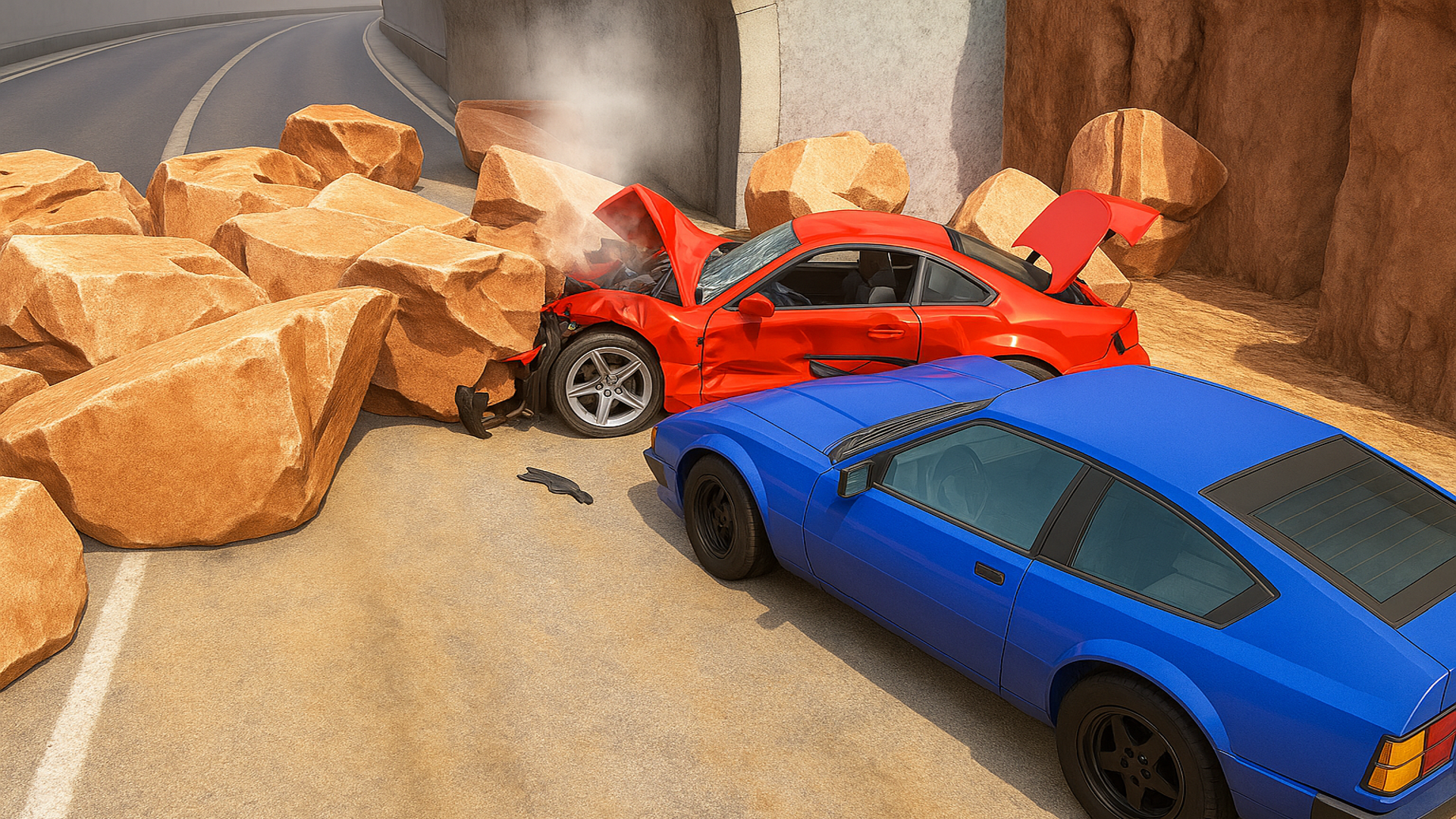
Drive & Crash Sandbox is an exhilarating online gaming experience that allows players to unleash their inner thrill-seeker. This high-speed car crash simulator offers a unique platform on which players can launch various vehicles down massive slopes, crashing into destructible obstacles while enjoying ultra-realistic crash physics. With no downloads or registrations required, you can jump straight into the action on your desktop, tablet, or mobile device.
Key Features of Drive & Crash Sandbox
- Online Multiplayer Mode: Engage with friends or compete against players worldwide.
- Realistic Car Deformation Physics: Experience cars realistically crumpling and breaking apart on impact.
- Stunning 3D Graphics: Immerse yourself in beautifully rendered environments and vehicles.
- Authentic Driving Controls: Enjoy responsive and precise driving mechanics for a more engaging experience.
- Detailed Vehicle Damage System: Watch your vehicles sustain visible damage based on crashes and collisions.
- Multiple Vehicles to Choose From: Pick from various cars to personalize your crashing adventure.
Why Players Love Drive & Crash Sandbox
The sheer excitement of driving and crashing different vehicles is what makes Drive & Crash Sandbox a favorite for gamers. The fast-paced gameplay, combined with realistic physics, allows players to unleash their creativity by experimenting with different crash scenarios. Moreover, the accessibility of the game makes it easy to pause and resume, promoting replayability for both casual and dedicated gamers.How Drive & Crash Sandbox Compares to Similar Games
Unlike traditional racing games, Drive & Crash Sandbox focuses on the thrill of destruction rather than competition. Compared to games like Burnout Paradise, which emphasizes racing, Drive & Crash Sandbox prioritizes the chaotic fun of demolishing cars. It's also distinct from Destruction Derby games as it provides a sandbox experience without strict rules or objectives, allowing players to explore and create their unique chaos.Frequently Asked Questions
Q1: Is Drive & Crash Sandbox free to play?
Yes, Drive & Crash Sandbox is free to play on Playgama with no downloads or registration required.Q2: Can I play on mobile devices?
Absolutely! Drive & Crash Sandbox is optimized for mobile devices, providing seamless gameplay on the go.Q3: How do I choose different vehicles?
Press the 'N' key on PC to select the next vehicle, or use the on-screen control on mobile.Q4: Does the game have a pause feature?
Yes, press 'Tab' on PC or use the pause button on mobile to pause the game.Q5: Are there multiplayer options?
Yes, you can engage in online multiplayer mode with friends or global players.Related Entities
Related genres to explore include Simulation, Action, 3D Racing, and Multiplayer games. Players who enjoy exploring sandbox environments and creating chaos are sure to find more exciting experiences within these categories.Instructions
PC Controls
- WASD: Control the vehicle's movement.
- Space: Engage the handbrake to make sharp turns.
- Shift: Activate nitro for boosts of speed.
- N: Switch to the next vehicle in your selection.
- C: Change the camera view.
- R: Repair your car to restore its health.
- V: Activate slow motion for dramatic crashes.
- Tab: Pause the game.
Mobile Controls
Use the on-screen controls to drive, brake, and activate special abilities similar to the PC controls.Gameplay Steps
- Choose Your Vehicle: Start by selecting your preferred vehicle to begin your experience.
- Navigate the Terrain: Use the WASD keys or on-screen controls to drive around and explore.
- Launch Off the Slope: Speed up and approach a ramp or slope to launch your vehicle into the air.
- Crash into Obstacles: Aim for destructible objects to see the realistic crash physics in action.
- Change View: Utilize camera controls to experience the game from various perspectives.
- Multiplayer Mode: Invite friends or join online players for cooperative or competitive gameplay.
Beginner Tips
- Familiarize yourself with the vehicle controls to get a handling advantage.
- Experiment with different vehicles to find one that suits your playstyle.
- Use the camera change feature to gain a better view of obstacles and ramps before jumping.
- Remember to utilize nitro strategically for dramatic jumps and effective crashing.
- Observe damage patterns to enhance your crashing technique for better destruction.
Comments
Please Login to write a comment.
Loading...
Play next














Free Online Games at Gamesed
Gamesed features the latest and best free online games. You can enjoy playing fun games without interruptions from downloads, intrusive ads, or pop-ups. Just load up your favorite games in your web browser and start playing.