
























































































Game Factory
4.4CCasual
Loading...
Loading Game...
Game Factory
Casual4.4
Description
Instructions
Categories
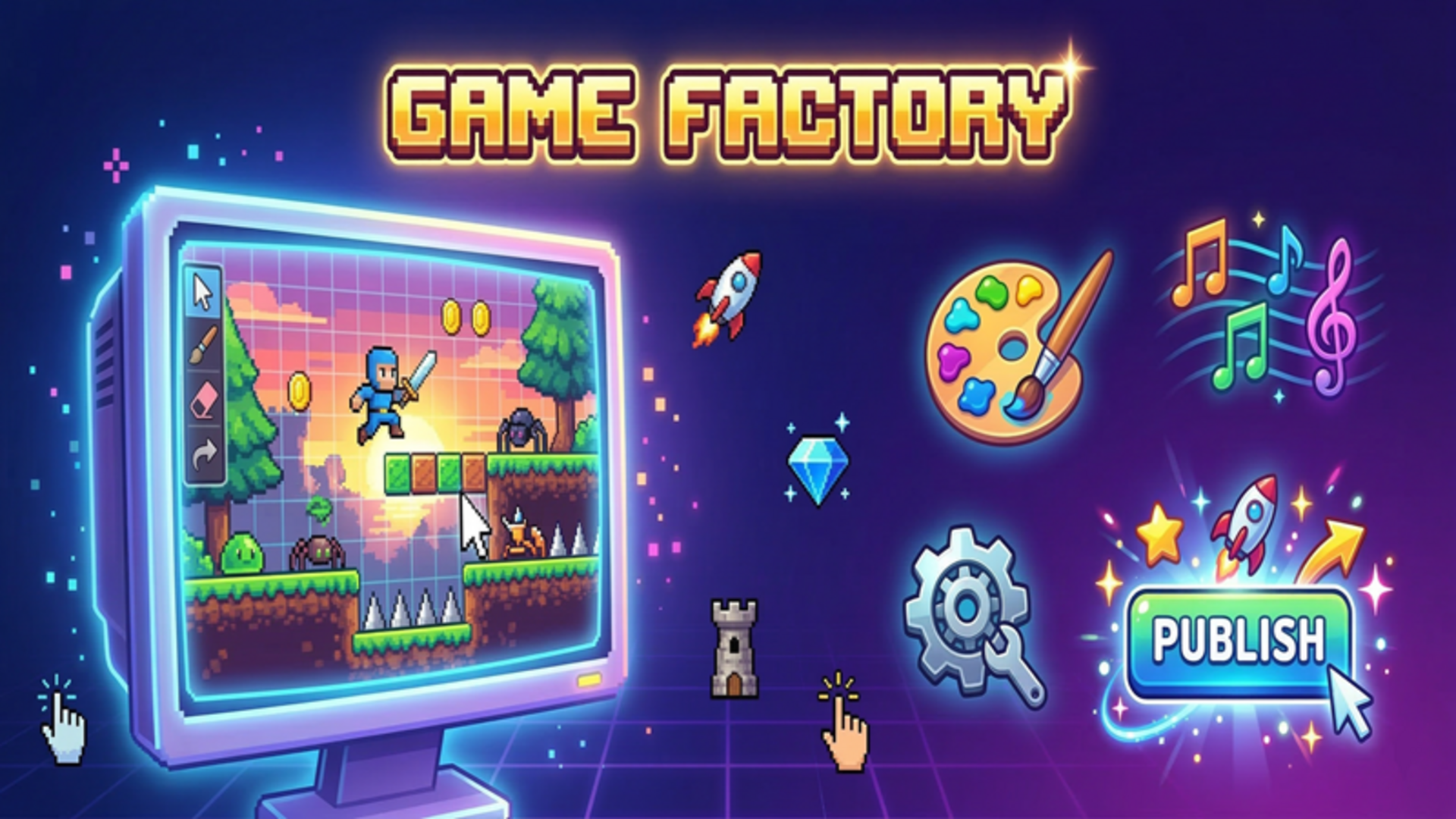
Game Factory is an engaging online platform that allows you to unleash your creativity by developing custom games right from your own device. With a user-friendly interface, players can choose from six exciting genres—platformer, clicker, shooter, match-3, runner, and tower defense—to craft unique gaming experiences. This seamless adventure doesn't require downloads or registration, making it accessible on desktop, tablet, and mobile.
Key Features of the Game
- Genre Variety: Choose from six diverse genres like platformers and shooters.
- Custom Game Creation: Draw pixel sprites, customize levels, and select music to make your game truly your own.
- Easy Game Testing: Instantly test your game to see how it performs with customizable settings.
- Sharing Options: Easily share your creations with friends using a unique code.
- Progressive Gameplay: Earn coins and XP to upgrade your studio and unlock new features.
- No Download Required: Play instantly online without the hassle of downloads or registration.
Why Players Love Game Factory
Players adore Game Factory not just for its creative potential but for the fun factor it offers. The replayability is heightened by the ability to create new games, challenging friends, or revisiting previous projects to enhance them. Its accessibility means anyone can jump in, whether they are seasoned developers or newcomers, making it a go-to platform for casual and avid gamers alike.How Game Factory Compares to Similar Games
In comparison to platforms like Roblox and Scratch, Game Factory allows a more focused environment for game design with its six specific genres. While Roblox offers a wide range of game types and social features, it can feel overwhelming for new players. Scratch, on the other hand, focuses more on educational aspects and coding fundamentals. Game Factory strikes a balance between creative freedom and user-friendliness, making it appealing for all.Frequently Asked Questions
What devices can I play Game Factory on?
Game Factory is playable on desktops, tablets, and mobile devices.Do I need to download anything to play?
No, Game Factory is available online without any downloads or registrations.Can I share my games with friends?
Absolutely! Share your creations easily with friends using a unique access code.What can I customize in my game?
Players can customize levels, speed, gravity, the number of enemies, sprites, and sounds.Is there a tutorial for beginners?
Yes, the game includes an intuitive guide to help newcomers learn how to create their first game.Related Entities
- Game Development Tools: Applications and software for creating games.
- Casual Games: Games designed for effortless engagement, typically with simple mechanics.
- Creative Platforms: Online platforms that encourage artistic expression and creativity through various media.
Instructions
PC Controls
- Create Game: Click on ‘Create Game’ to start your project.
- Game Settings: Modify genre settings like speed, gravity, and enemies from the setup menu.
- Drawing Sprites: Use drawing tools to create your unique pixel sprites or select from available options.
- Sound Selection: Add a music track to your game from the Sounds tab.
- Game Testing: Test your creation by clicking the 'Test' button to play your game.
- Publishing: After final revisions, click ‘Publish’ to earn coins and experience points.
- Sharing: Share your published game with your friends via a game code.
Mobile Controls
- Create Game: Tap ‘Create Game’ from the main menu.
- Customize Settings: Use sliders and inputs to set game dynamics.
- Drawing: Finger swipe tools to create or select sprites from the library.
- Music: Choose a track from the Sounds tab.
- Testing: Tap ‘Test’ to play through your game.
- Publishing: Hit ‘Publish’ to save and share your game with others.
Gameplay Steps
- Click or tap 'Create Game' and select a genre.
- Customize essential game mechanics such as speed and enemy count.
- Use drawing tools to design your own pixel sprites or choose from pre-made ones.
- Select a fitting music track in the Sounds section.
- Click ‘Test’ to experience your game and check if it runs smoothly.
- Once satisfied, hit ‘Publish’ to complete your creation and earn rewards.
- Share your game with friends through an access code for them to enjoy.
Beginner Tips
- Start simple: Pick a straightforward genre to learn the mechanics.
- Experiment regularly with different sprite designs and level settings.
- Don’t rush your game; take your time testing and adjusting features.
- Collaborate with friends to get ideas and feedback on your game designs.
- Check out popular community games for inspiration on what’s possible.
Comments
Please Login to write a comment.
Loading...
Play next




















Free Online Games at Gamesed
Gamesed features the latest and best free online games. You can enjoy playing fun games without interruptions from downloads, intrusive ads, or pop-ups. Just load up your favorite games in your web browser and start playing.