
























































































Mystical Blade 3D
4.433D
Loading...
Loading Game...
Mystical Blade 3D
3D4.4
Description
InstructionsCategories
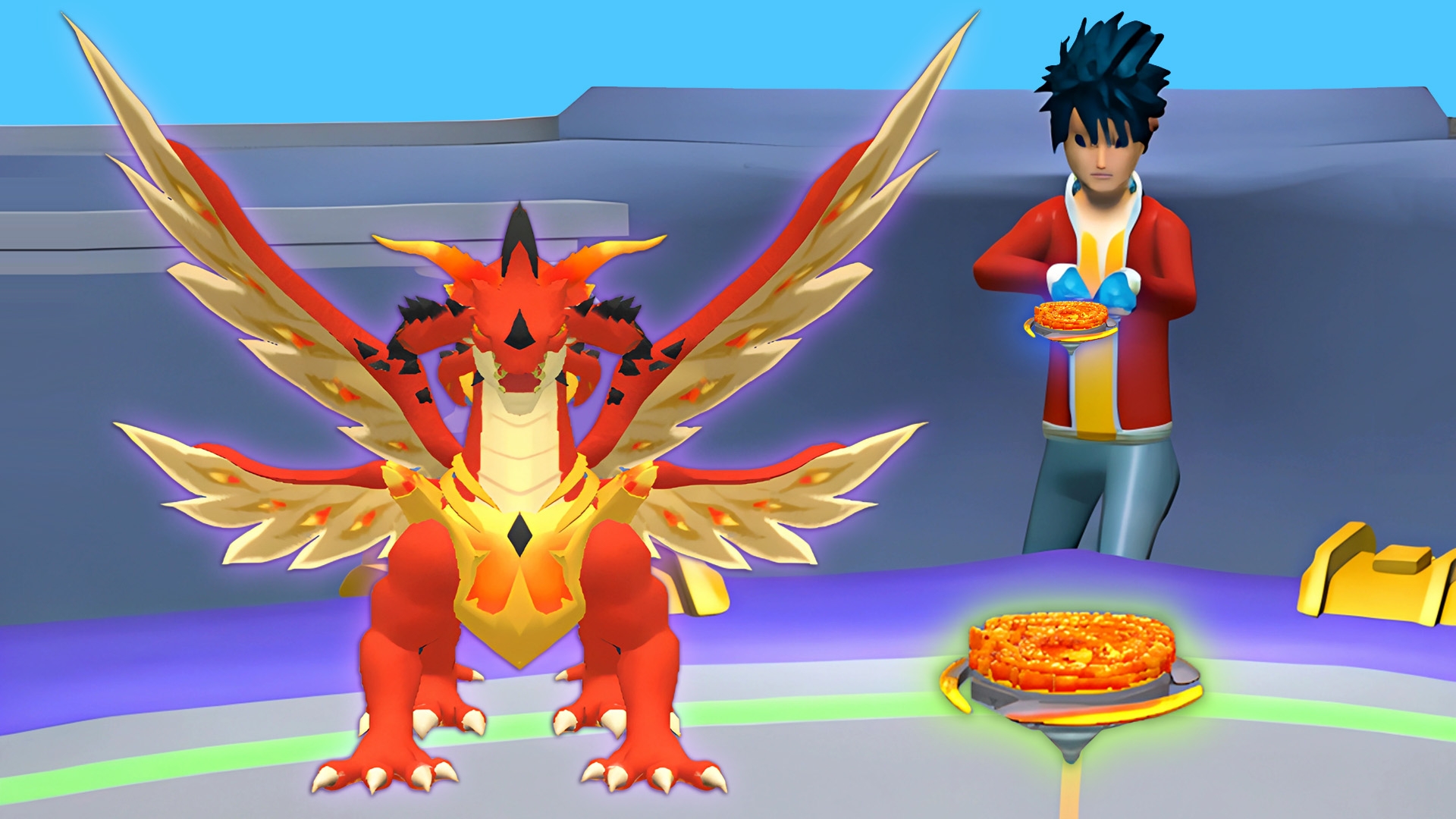
Mystical Blade 3D is an exhilarating online game that allows players to enter a captivating simulation world inspired by B-Blades. In this exciting game, players can create and customize their own B-Blades by mixing various elements, blades, and rings. Engage in battles with players from around the globe and see how your creations perform in the competitive arena. With stunning graphics, realistic physics, and intuitive controls, this game promises countless hours of engaging gameplay for both new and seasoned players.
Key Features of the Game
- Create Unique B-Blades: Experiment with different combinations of elements, blades, and rings to design your perfect B-Blade.
- Compete with Global Players: Join the fray and battle against players from all over the world to prove your skills.
- Immersive Gameplay: Dive into a visually stunning universe with realistic physics that brings every battle to life.
- No Downloads Required: Enjoy instant gaming on desktop, tablet, or mobile with no downloads or registration required.
- Friendly for All Players: Accessibility for both B-Blades veterans and new players makes it a welcoming gaming experience.
Why Players Love Mystical Blade 3D
Mystical Blade 3D is cherished for its engaging gameplay and replayability. Players love experimenting with different B-Blade combinations, which leads to unique strategies in battles. The simplicity of accessing the game with no downloads or registration only enhances its appeal, making it easy to jump right into the action. Additionally, the competition with other players worldwide keeps the excitement fresh and lively.How Mystical Blade 3D Compares to Similar Games
Compared to other simulation games like *Brawl Stars* and *Roblox*, Mystical Blade 3D focuses more on the customization aspect of characters, allowing players to dive deep into creating their unique fighting creatures. While *Brawl Stars* offers team-based combat and *Roblox* provides a sandbox experience, Mystical Blade 3D hones in on personal creativity and strategic battles, setting itself apart in the genre.Frequently Asked Questions
What devices can I use to play Mystical Blade 3D?
You can play Mystical Blade 3D on desktops, tablets, and mobile devices.Is there a cost to play Mystical Blade 3D?
No, the game is free to play and does not require downloads or registration.How do I create my own B-Blade?
Players can mix various elements, blades, and rings within the game to customize their B-Blade.Can I battle with friends?
Yes, you can compete against friends and players from around the world.What makes Mystical Blade 3D different from other games?
Its focus on customization and player creativity sets it apart from other action simulation games.Related Entities
- Genres: Simulation, 3D, Action
- Concepts: Customization, Multiplayer Battles, Crafting
Instructions
Welcome to Mystical Blade 3D, where you will create, battle, and strategize your way to becoming the ultimate B-Blades master! To get started, make sure you have a reliable internet connection and access the game on your device. Here are your controls and tips to master the gameplay.
PC Controls
- W, A, S, D: Move your B-Blade around the arena.
- Mouse Click: Select elements, blades, and rings to customize your B-Blade.
- Spacebar: Access the inventory or start battles.
- Q/E: Cycle through available elements during a battle.
Mobile Controls
- Touch Screen: Tap to move your B-Blade, select items, and engage in battles.
- Swipe Gestures: Use swipes to perform attacks or dodges in the arena.
Gameplay Steps
- Start the Game: Access Mystical Blade 3D via your browser and select 'Play'.
- Create Your B-Blade: Use the customization menu to mix elements, choosing your combination of blades, rings, and other enhancements.
- Join Battles: Enter the arena to compete against AI or global players. Utilize your strategy and newly created B-Blade to emerge victorious.
- Revise Your Strategy: After each battle, analyze what worked and what didn’t; tweak your B-Blade accordingly for the next round.
- Progress and Unlock: As you continue to play, unlock new elements and combinations that allow for advanced strategies.
Beginner Tips
- Experiment Freely: Don’t hesitate to try various combinations of blades and elements to find what works best for your play style.
- Practice Battle Skills: Engage with AI before diving into competitive matches to sharpen your skills.
- Stay Updated: Follow game updates for new features, as regularly playing will keep your strategies relevant and effective. Avoid sticking with the same B-Blade; adapt as new elements become available.
Comments
Please Login to write a comment.
Loading...
Play next














Free Online Games at Gamesed
Gamesed features the latest and best free online games. You can enjoy playing fun games without interruptions from downloads, intrusive ads, or pop-ups. Just load up your favorite games in your web browser and start playing.