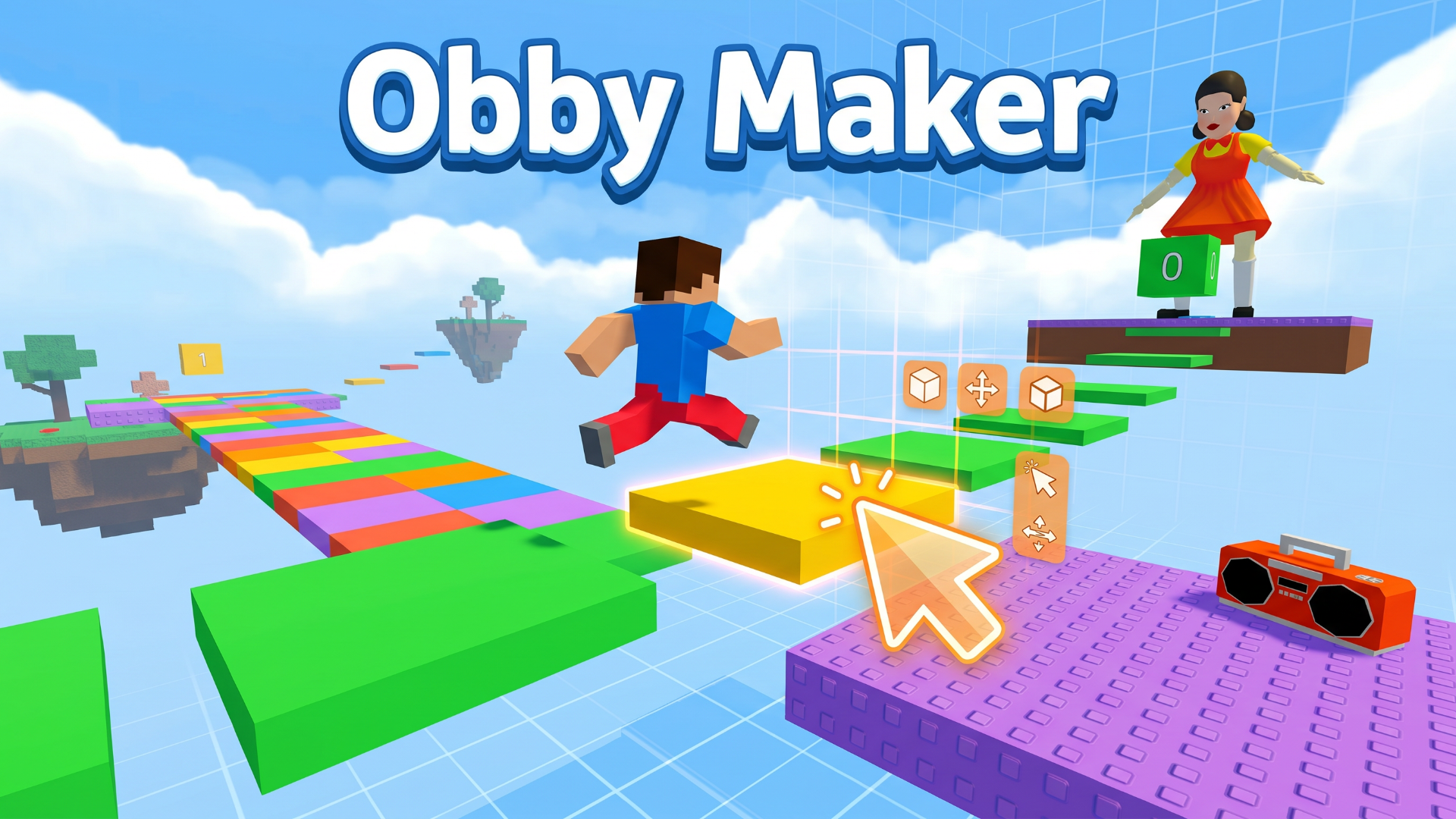
Obby Maker is an exciting online game that allows players to unleash their creativity by designing and playing levels created by others. With a user-friendly editor, gamers can construct diverse obby courses filled with challenges, customized obstacles, and unique game logic. Enjoy the thrill of building simple parkour maps or intricate puzzles, all without the need for downloads or registrations on Playgama.
Key Features of the Game
- User-Friendly Level Editor: Create and customize your own obstacle courses with ease.
- Object and Obstacle Customization: Add various elements to your course and adjust their behaviors.
- Logic Settings: Configure in-game events and conditions to enhance gameplay.
- Diverse Difficulty Levels: Suitable for beginners and advanced players, offering endless challenges.
- Community Sharing: Publish your levels to let others test their skills against your creations.
- Remix Existing Levels: Improve or modify levels you admire with the “Remix” feature.
- Play Across Devices: Enjoy seamless gameplay on desktop, tablet, and mobile devices.
Why Players Love Obby Maker
Players appreciate Obby Maker for its engaging gameplay and endless possibilities. The ability to create unique levels and share them fosters a community that encourages creativity and competition. Gamers can always find fresh challenges as the library of user-generated content continues to grow. This freedom to experiment leads to high replay value, making every gaming session a new experience.
How Obby Maker Compares to Similar Games
When compared to other game creation platforms like Mario Maker or Roblox, Obby Maker stands out with its focus on parkour and obstacle courses. Unlike Mario Maker, which is limited by its franchise mechanics, Obby Maker offers a flexible environment for players to craft their visions. Compared to Roblox, which involves a broader range of genres, Obby Maker specializes in tailored challenges that appeal to fans of obstacle navigation and creative design.
Frequently Asked Questions
What platforms can I use to play Obby Maker?
You can play Obby Maker on any device, including PCs, tablets, and smartphones, without the need for downloads.
Is there a cost to play Obby Maker?
No, Obby Maker is completely free to play, and you don't need to register to start creating or playing.
Can I share my levels with friends?
Absolutely! Once your level is published, others can easily discover and play it.
Do I need programming skills to create levels?
No, the editor is designed for ease of use. Programming skills are helpful but not necessary.
How can I improve my levels in Obby Maker?
Use the feedback from other players and experiment with obstacles and logic settings to refine your designs.
Related Entities
Obby Maker is related to genres like Puzzle, Action, and Arcade gaming, focusing on creativity, skill challenges, and interactive gameplay that draws players into immersive environments.