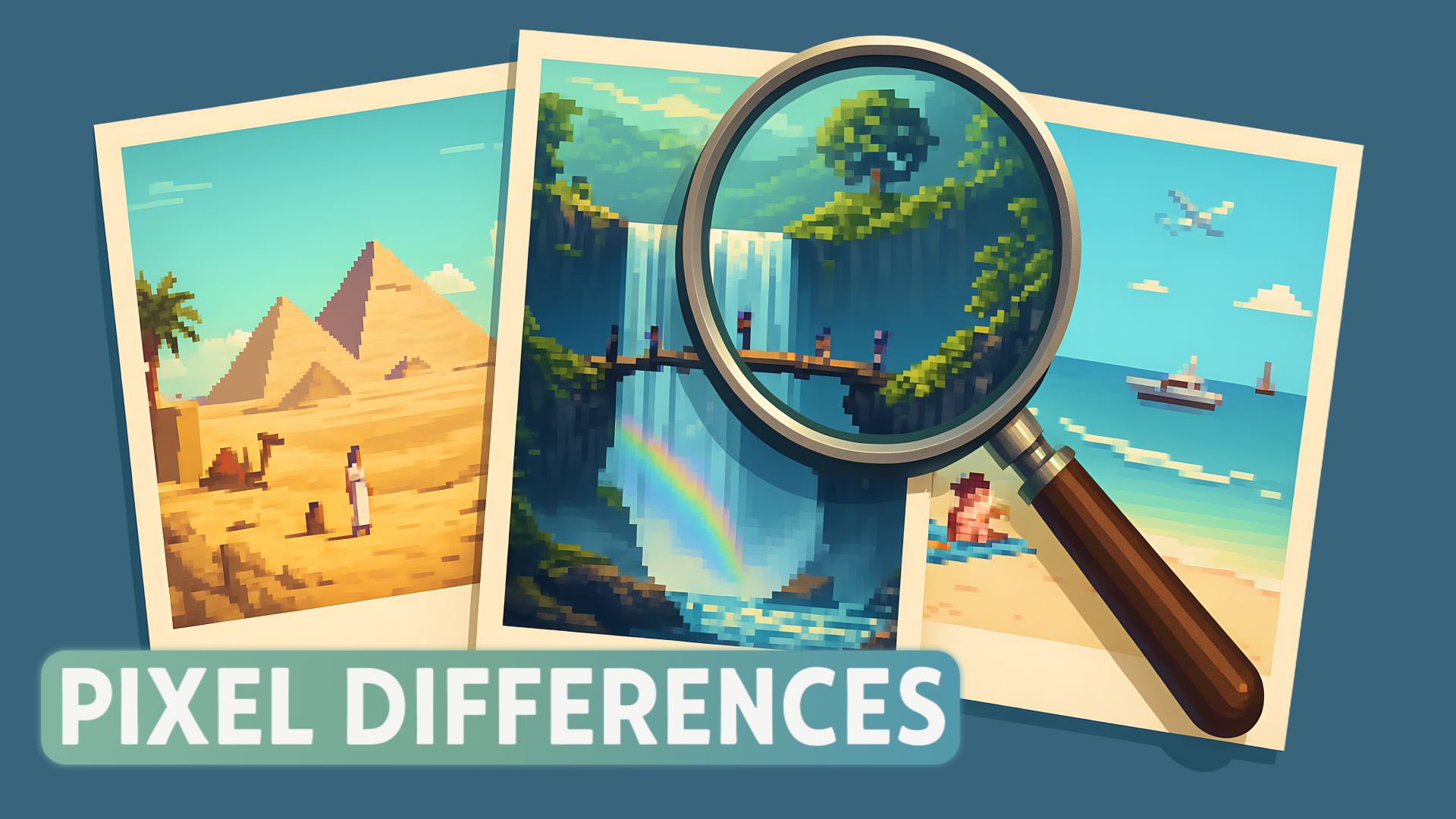
Pixel Differences is an engaging online game where players are challenged to spot the subtle differences between two similar images. As you dive into this exciting puzzle adventure, you’ll hone your observational skills while enjoying a casual gaming experience. The game features no downloads or registrations, making it easily accessible on any device, including desktops, tablets, and mobiles.
Key Features of the Game
- Simple Gameplay: Just click or tap to identify differences.
- Variety of Levels: Each level brings new images with varying difficulty.
- No Downloads Required: Play instantly online without hassle.
- Mobile-Friendly: Enjoy gaming on the go with easy touchscreen controls.
- Engaging Visuals: Bright pixel art enhances the gaming experience.
- Accessible For Everyone: Ideal for both casual gamers and seasoned players.
- Fun for All Ages: A universal appeal that engages children and adults alike.
Why Players Love Pixel Differences
Pixel Differences keeps players coming back with its compelling gameplay, which combines fun with mental challenge. The thrill of spotting differences encourages repeated play, as players strive to improve their skills and beat their previous times. The accessibility of the game—no downloads or registrations—means that you can jump right in at any moment, making it perfect for casual gaming sessions.
How Pixel Differences Compares to Similar Games
When compared to similar titles like “Find the Spot” or “Difference Finder”, Pixel Differences stands out due to its seamless online play and rich visuals. While both alternatives offer the classic gameplay of finding discrepancies, they often require downloads or are laden with ads that detract from the experience. Pixel Differences offers a streamlined, ad-free environment that keeps the focus on the excitement of gameplay.
Frequently Asked Questions
What platforms can I play Pixel Differences on?
You can play Pixel Differences on desktops, tablets, and smartphones.
Is there a time limit in the game?
Players can take their time to find differences, as there is no time limit.
Can I play Pixel Differences offline?
No, Pixel Differences requires an internet connection to play.
Are there hints available if I get stuck?
Currently, there are no hints available; players must rely on their skills.
Is this game suitable for children?
Yes, the game is family-friendly and suitable for players of all ages.
Related Entities
Related genres include puzzle games, casual games, and brain-training activities. The concept of finding differences also aligns with classic children’s games and visual quizzes that enhance observational skills.