




































































Categories
Navigation
Street Racer 2D

Street Racer 2D

4.7RRacing
Street Racer 2D

Street Racer 2D

Racing
4.7
Description
Street Racer 2D
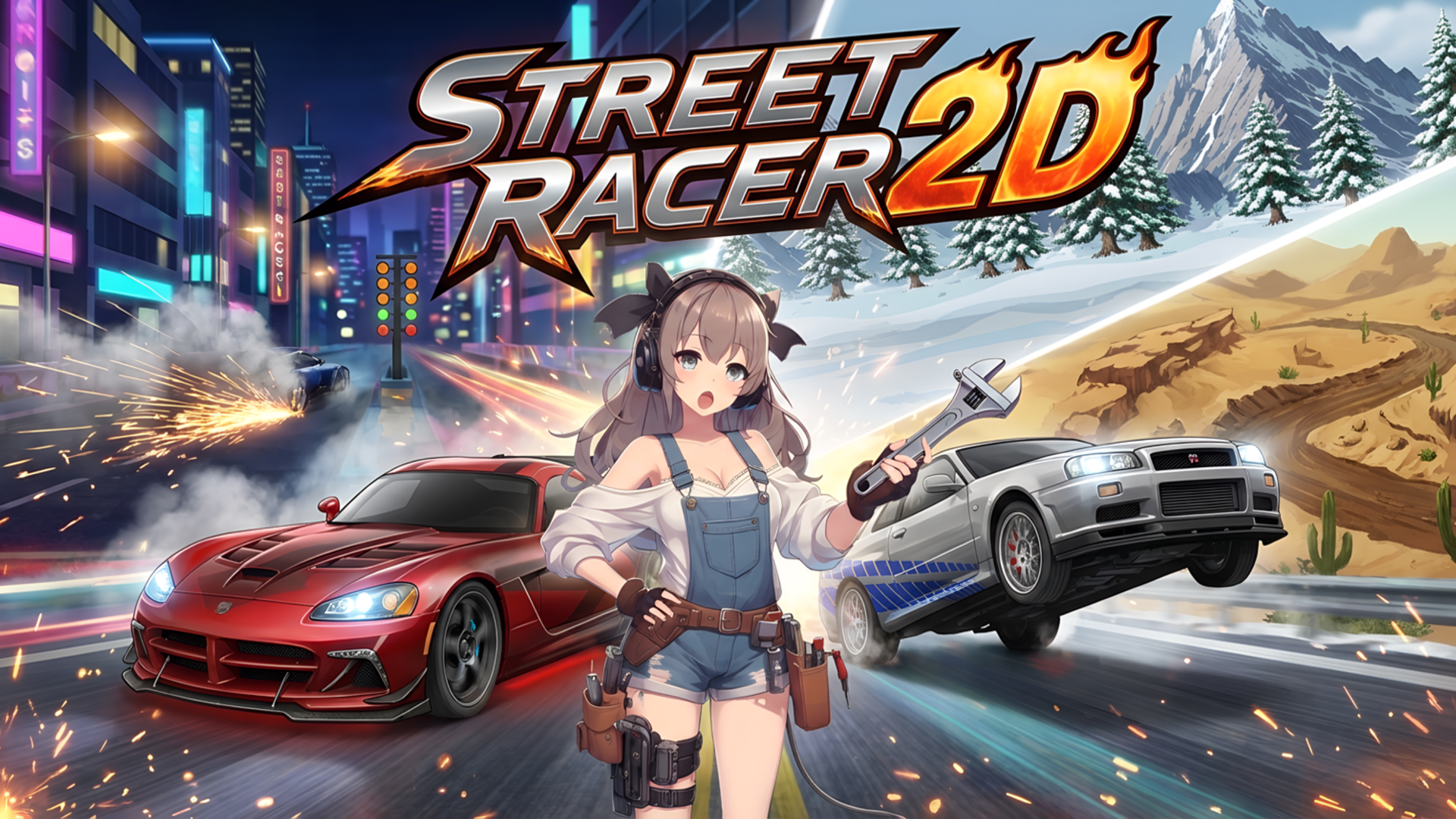
Street Racer 2D is a thrilling driving and drag-racing game that immerses players into the fast-paced world of street racing. Whether you’re on a PC, tablet, or mobile device, you can enjoy a seamless gaming experience without any downloads or registrations. In Street Racer 2D, your primary goal is to outsmart your opponents on the track, win exhilarating races, and upgrade your fleet of cars.

Key Features of the Game

  • Diverse gameplay modes such as drag racing, off-road challenges, and arcade racing.
  • A variety of cars available for upgrades and purchases.
  • Smooth controls tailored for both PC and mobile users.
  • Eye-catching graphics and engaging sound effects that enhance the racing experience.
  • A competitive leaderboard to challenge friends and players around the world.
  • Fast-paced gameplay that fits well for quick sessions.

Why Players Love Street Racer 2D

Players appreciate the enjoyable mix of speed and strategy that Street Racer 2D offers. With its straightforward gameplay mechanics and engaging racing scenarios, gamers find themselves immersed and repeatedly coming back for more. The continuous availability without downloads makes it easy to jump into the action whenever the mood strikes.

How Street Racer 2D Compares to Similar Games

When compared to similar racing games like "Need for Speed: Most Wanted" and "Asphalt 9: Legends," Street Racer 2D stands out for its simplicity and accessibility, particularly for players who prefer browser-based gaming. Additionally, while these larger titles focus on immersive experiences with complex mechanics, Street Racer 2D prioritizes quick fun and straightforward controls.

Frequently Asked Questions

What devices can I play Street Racer 2D on?

You can play Street Racer 2D on desktop, tablet, and mobile devices without needing to download anything.

Is Street Racer 2D free to play?

Yes, Street Racer 2D is completely free to play with no registration required.

How do I start a race in Street Racer 2D?

Simply choose your desired mode and hit the race button to get started. Maneuver using the controls provided.

Can I upgrade my car?

Yes, you can earn points and upgrade your car to improve speed and performance.

How does the turbo feature work?

Press the shift key on PC or the designated button on mobile to activate turbo for a speed boost.

Related Entities

  • Racing Games
  • Drag Racing
  • Arcade Games
  • Action Games
  • Driving Games

Instructions

PC Controls

  • A / left arrow key = reverse
  • D / right arrow key = accelerate
  • W / up arrow key = gear up
  • S / down arrow key = gear down
  • R = restart
  • P = pause
  • Shift = turbo

Mobile Controls

On mobile devices, use the on-screen dashboard buttons to control your vehicle. You can tap to accelerate, turn, and activate turbo.

Gameplay Steps

  1. Select Your Vehicle: From the main menu, browse through available cars and select one to race with.
  2. Choose Your Mode: Engage in various modes such as drag racing or off-road challenges.
  3. Hit the Track: Once in the race, use your controls to navigate through the course.
  4. Upgrade Your Car: Collect points during races to upgrade your vehicle for enhanced performance.
  5. Aim for Victory: Compete against opponents and strive for the top position in the leaderboard.

Beginner Tips

  • Practice Gear Shifting: Get comfortable with gear shifts as they greatly impact your speed.
  • Master the Turbo: Use the turbo feature wisely; it can give you the edge needed to win.
  • Learn the Tracks: Familiarize yourself with track layouts and challenging segments to improve your performance.
  • Watch Your Competitors: Keep an eye on your opponents’ moves to anticipate their strategies and counter effectively.
Categories

RacingArcadeDriving

Comments
Loading...